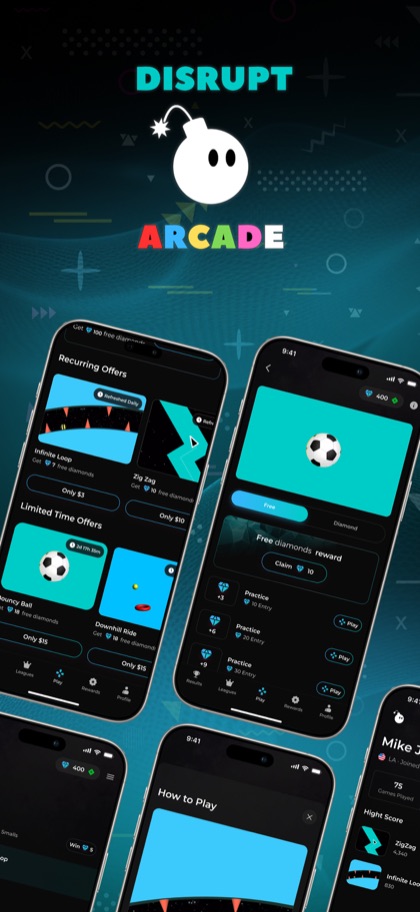
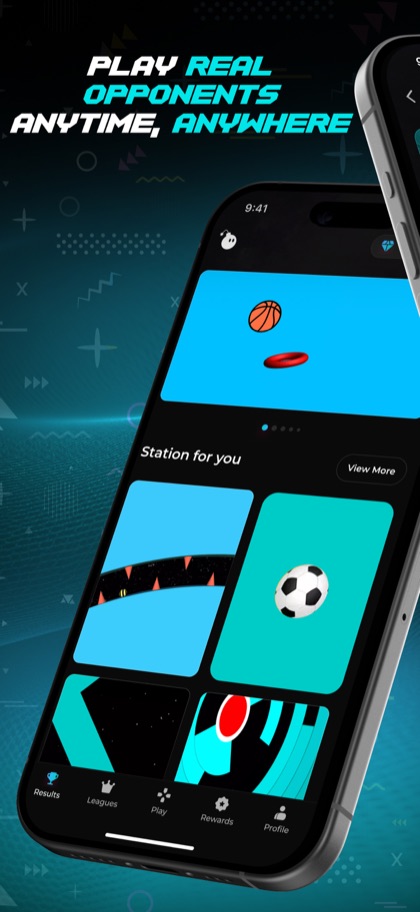
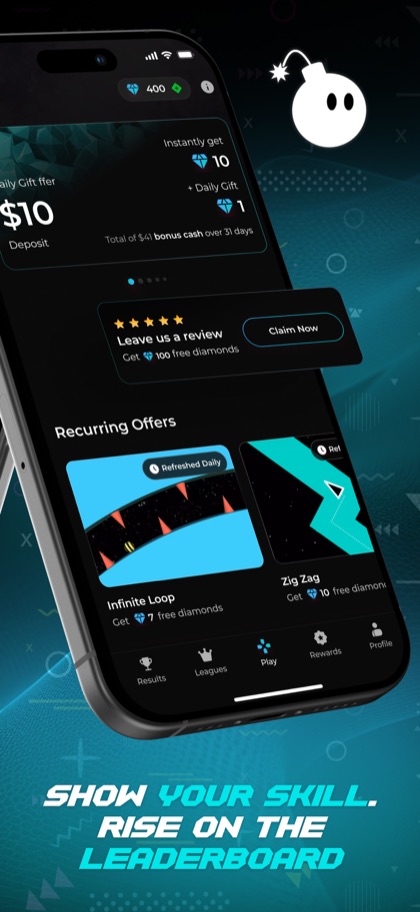
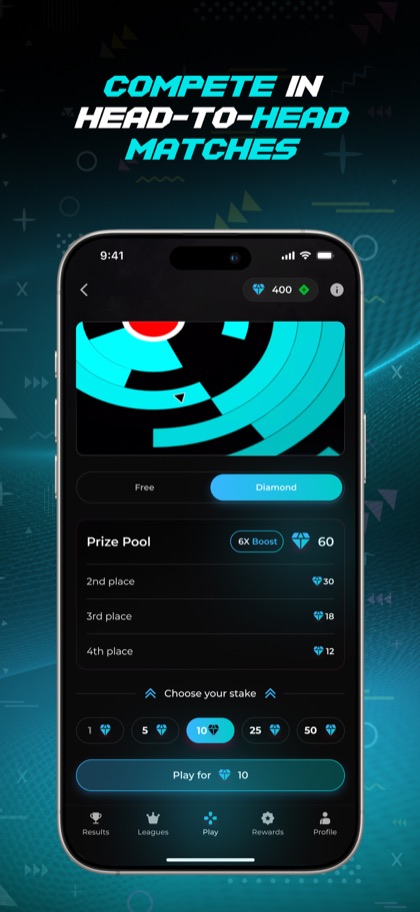
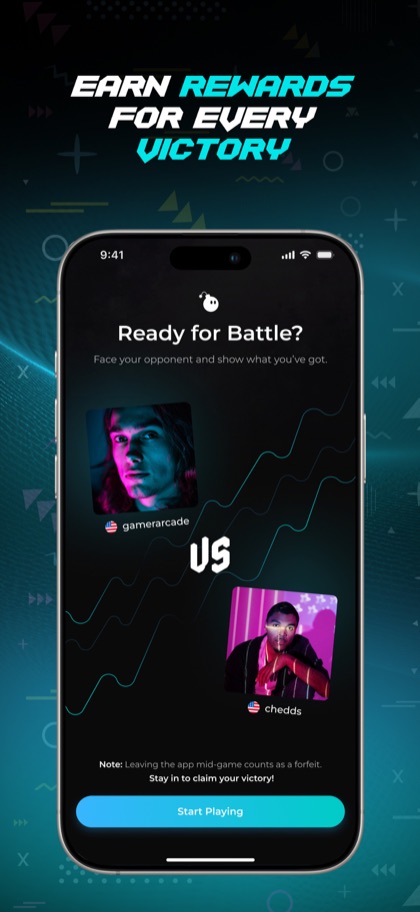
How we embedded Unity inside React Native, wired Stripe and Solana into the same mobile app, and shipped to the App Store — a complete technical post-mortem.
The Challenge: One App, Two Runtime Environments
Disrupt Arcade is a mobile arcade game that lives inside a React Native shell. The game itself is built in Unity — a full 3D game engine running as a view inside a React Native component. This is not a common architecture, and for good reason: Unity runs its own OpenGL ES rendering context that does not play well with React Native's Metro bundler, Hermes engine, and standard view hierarchy. Making them coexist required custom native modules on both iOS (Swift/Objective-C bridge) and Android (Kotlin bridge) to hand off rendering control to Unity and return it to React Native when the user navigates away from the game.

The Unity Bridge: iOS and Android Native Modules
On iOS, the Unity view is embedded as a `UIView` subclass managed by a `UnityFramework` singleton. We wrote a Swift module that exposes `startGame()` and `pauseGame()` methods to React Native's bridge. The critical detail is that `UnityFramework` must be initialized once and reused — re-initializing it on every navigation causes a ~4 second black screen. On Android, a `UnityPlayerActivity` extends React Native's `ReactActivity`, and a `UnityModule` Kotlin package exposes equivalent bridge methods. We open-sourced the Android bridge pattern in our GitHub — it has saved dozens of teams from reinventing this wheel.
Payments: Stripe for Fiat, Solana for On-Chain
Disrupt Arcade supports two payment flows. Fiat in-app purchases use Stripe's React Native SDK with Apple Pay passthrough — users can buy coin packs with a single Face ID confirmation. On-chain transactions use Solana Pay's deeplink protocol to open Phantom Wallet for any transaction that touches the blockchain. We never handle private keys in the app — all signing happens in the external wallet. This dual-payment architecture satisfies Apple's App Store guidelines (no crypto transactions inside the app binary) while still offering a full Web3 experience. The UX handoff between Stripe and Solana Pay took three design iterations to feel natural.

Performance: Getting Unity to 60fps Inside React Native
By default, Unity inside React Native runs at 30fps due to React Native's main thread competing for CPU time. We solved this with two changes: setting Unity's target frame rate to 60 explicitly in C# (`Application.targetFrameRate = 60`) and disabling React Native's JS thread during gameplay using a native bridge toggle. We also pre-warmed the Unity runtime at app launch rather than on game start — this adds ~300ms to cold start but eliminates the 4-second black screen during the first game session. The final result: consistent 58-60fps gameplay on iPhone 12 and above, 45-55fps on older hardware.
“Making Unity and React Native coexist required custom native modules on both iOS and Android to hand off rendering control without black screens.”
Leave a Comment