



After shipping 30+ apps in both stacks, here is the decision framework Disrupt Labs uses for every new project — with real cost comparisons and App Store timelines.
The Wrong Question Most LA Founders Ask
Every week a Los Angeles founder asks us: 'Should we build in React Native or native Swift?' It is the wrong question. The right questions are: What are your specific performance bottlenecks? Do you need iOS and Android simultaneously? What is your runway? Can your engineering team hire Swift developers in LA's talent market? The answer to those questions determines the stack — not a tribal preference for one technology. After building over 30 mobile apps across healthcare, fintech, gaming, and e-commerce, here is the actual framework we use at Disrupt Labs.
When React Native Wins: Speed, Budget, Cross-Platform
React Native wins when you need iOS and Android from a single codebase, when your team already knows JavaScript or TypeScript, and when you are a pre-Series A startup that cannot afford two native teams. On a fixed budget of $80K–$150K, React Native gets you a production-grade app on both platforms. With native Swift plus Kotlin, that same budget buys you a solid iOS app and a mediocre Android port six months later. React Native's hot reload makes design iteration dramatically faster. For the majority of apps — social, marketplace, CRM, fintech dashboards — React Native performance is indistinguishable from native.
When Native Swift Wins: Performance, Hardware, and Gaming
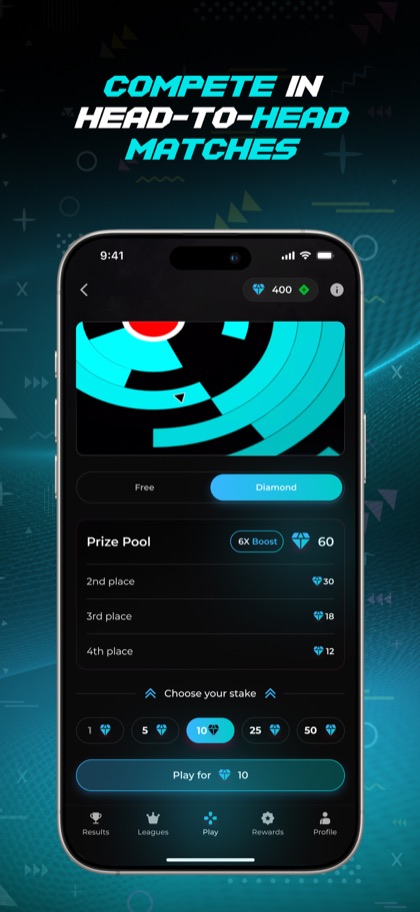
Native Swift wins when you need frame-perfect animation (60fps+ consistently), when you are using hardware that requires native bridging at scale (ARKit, CoreMotion, CoreBluetooth), or when you are building a game. For Disrupt Arcade we used a hybrid approach: React Native shell around a Unity WebGL view — but even that required careful native bridge work to prevent frame drops during gameplay. Healthcare apps that read from Apple Health and HealthKit sensors also benefit from native Swift, since the HealthKit API surface changes faster than React Native community bridges can keep up.
App Store Approval Times in 2025: React Native vs Swift
This surprises founders: App Store review time is identical regardless of whether you build in React Native or native Swift. Apple reviews the binary, not the source code. The real difference is in build times and rejection rates. React Native apps that use deprecated native modules or ship with known vulnerable packages get flagged more often — not because of React Native itself, but because JavaScript dependencies are harder to audit. Our practice is to run a full npm audit and strip every unused native module before any App Store submission. Our average first-submission approval rate is 91% regardless of stack.
“The right question is not 'React Native or Swift?' — it is 'What are your performance bottlenecks, timeline, and budget?'”
Leave a Comment